User Journey Monitoring: Stop Monitoring Infrastructure
Most SaaS teams monitor CPU and memory, but if your checkout endpoint is down, none of that matters.
Your servers can sit at 12% CPU utilization while every new signup fails silently. Your memory graphs can look pristine while the password reset flow returns a 500 for every user who tries it. Infrastructure metrics tell you the health of your machines. They tell you almost nothing about whether your product is actually working.
That gap is what costs SaaS companies revenue.

The Problem With Infrastructure-First Monitoring
Server metrics are easy to collect, easy to visualize, and almost entirely the wrong thing to obsess over when you're running a SaaS product.
The workflows that generate revenue, account creation, payment processing, API authentication, subscription upgrades, are discrete, sequential, and brittle in ways that CPU graphs will never reveal. A checkout endpoint can fail due to a misconfigured load balancer rule, a third-party payment gateway timeout, or a broken environment variable after a deploy. None of those show up as a spike in your infrastructure dashboards.
The result: teams discover outages from customer support tickets, social media complaints, or an angry Slack message from sales. Not from their monitoring stack.
What User Journey Monitoring Actually Means
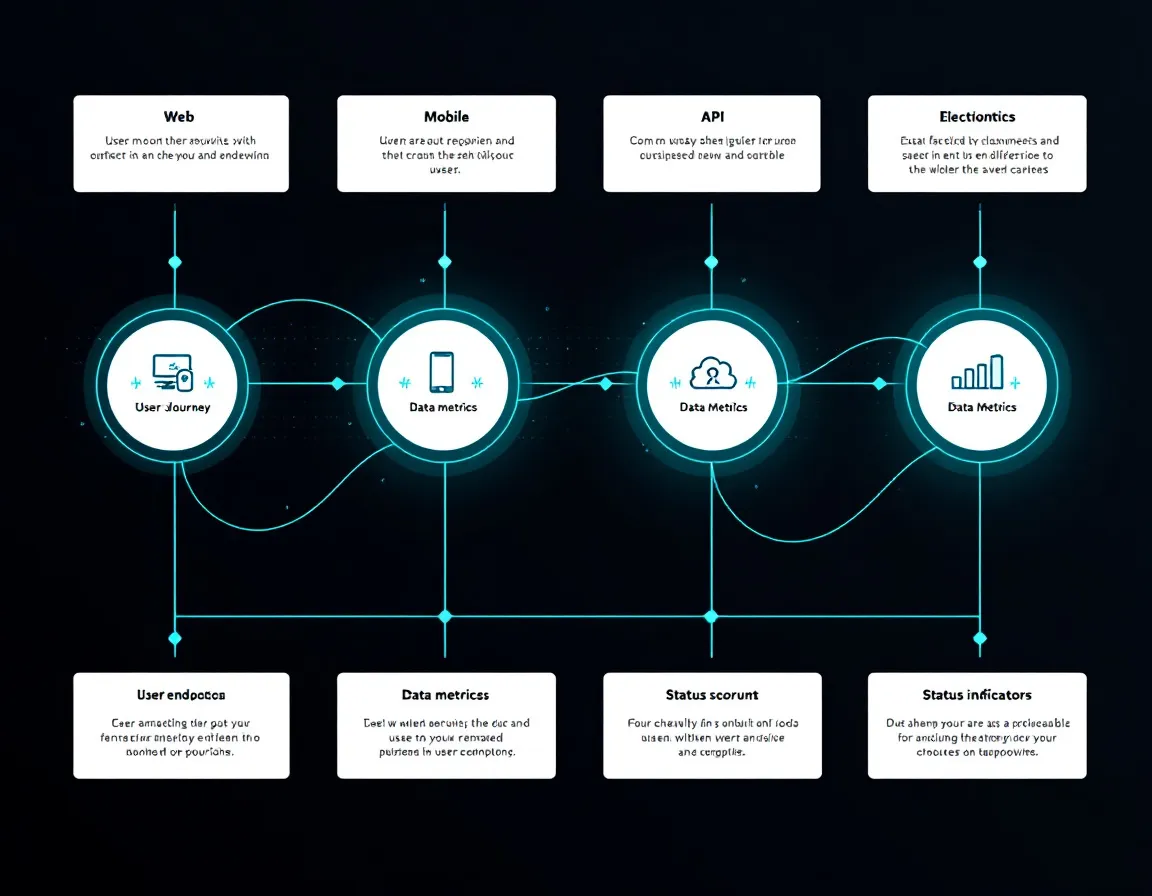
User journey monitoring shifts the unit of observation from resources to workflows. Instead of asking "is this server healthy?", you ask "can a user complete this critical path right now?"
In practice, that means instrumenting sequences like:
- Signup flow:
POST /api/auth/registerthen email verification then first login - Checkout flow: product selection then
POST /api/payments/chargethen confirmation page - Core product loop: login then primary feature action then data persistence
Each step is a potential failure point. Monitoring these business-critical workflows as end-to-end transactions, rather than individual server resources, gives teams early warning of the failures that actually affect users and revenue.
The Right Metrics to Track Per Journey Step
For each endpoint in a critical path, you want:
- Availability: Is it returning 2xx? 3xx where expected?
- Latency: P50, P95, P99 response times, not just averages
- Correctness: Does the response body contain the expected fields or tokens?
- Dependency health: Is the third-party integration (Stripe, Auth0, SendGrid) responding?
That's fundamentally different from alerting on 95% memory usage.
Incident Response Is Downstream of What You Monitor
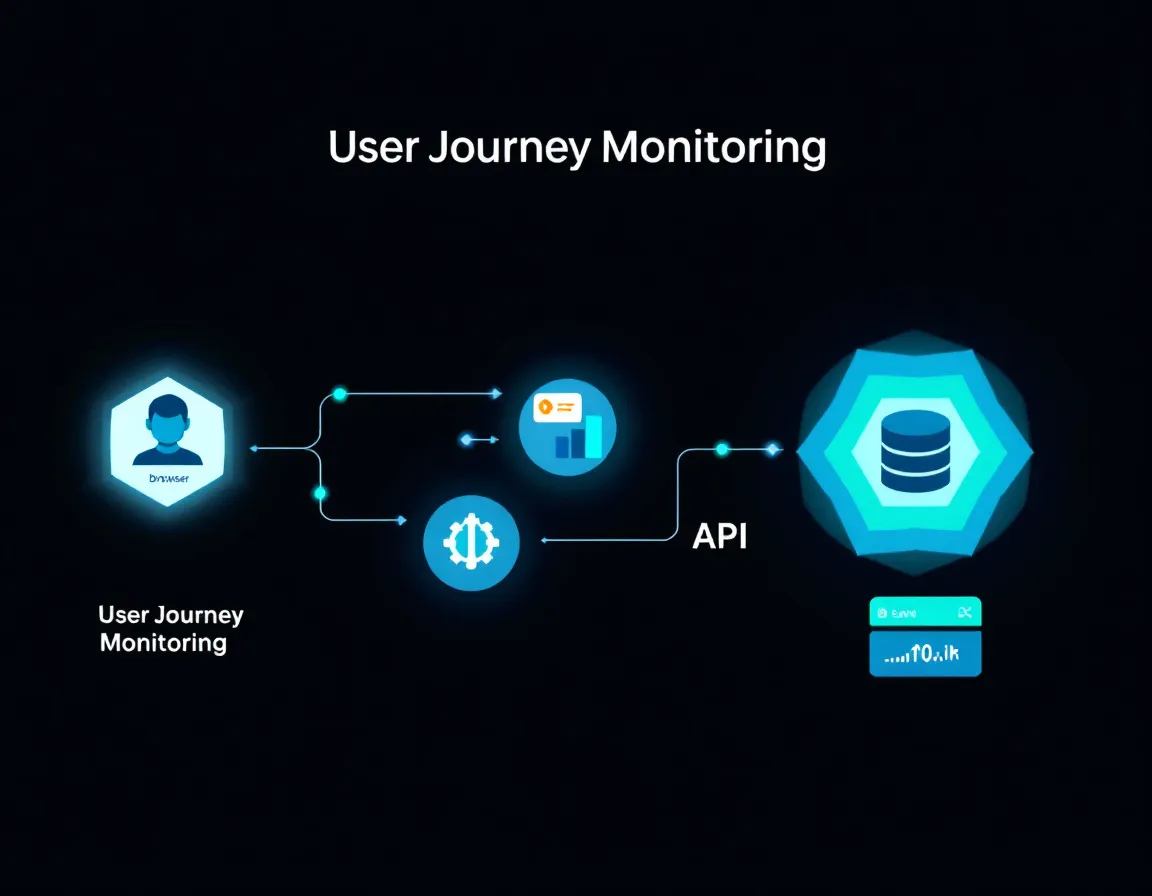
There's a direct relationship between your monitoring strategy and how fast you can resolve incidents. Teams that alert on infrastructure metrics spend the first 20 to 40 minutes of an outage just figuring out whether users are actually affected. Teams that monitor user journeys know immediately, and know which workflow is broken.
Incident response playbooks reduce resolution time by providing standardized, role-based procedures that teams can execute without improvising under pressure. But those playbooks only work if the alerting that triggers them is scoped correctly. A playbook that starts with "check if checkout is down" is useful. A playbook that starts with "check if CPU is above 80%" wastes 15 minutes before anyone confirms user impact.
If your monitoring is journey-first, your playbooks can be too.
SLA Compliance Requires Business-Level Visibility
Most SaaS SLAs are written in terms of product availability, not server uptime. A 99.9% uptime SLA means your product can be unavailable for no more than roughly 8.7 hours per year. If your monitoring doesn't track product-level availability, actual endpoint reachability and response correctness, you have no reliable way to measure SLA compliance, let alone defend your numbers to customers.
This matters especially for teams managing multiple clients or environments. PulseGuard handles this with 30-second uptime checks alongside SSL, DNS, and security monitoring, with status pages you can share directly with customers. It's built for exactly this layer of the stack: AI-ready monitoring for freelancers, agencies and small teams, with MCP access that plugs into ChatGPT/Claude-style workflows for incident triage and reporting.
Practical Takeaways
Audit your current alerts this week. List every alert you have active. For each one, ask: "If this fires, do I know a user is affected?" If the answer is no, it's a secondary alert at best.
Map your two or three highest-revenue workflows. For most SaaS products that's signup, login, and the core transactional action. These become your primary monitoring targets.
Set check intervals that match your SLA math. A 5-minute check interval means a broken checkout could go undetected for up to 5 minutes. 30-second checks cut that window to something much more defensible when you're tracking against a 99.9% availability commitment.
Build your incident playbooks from journey steps, not resource metrics. Each step in a critical path should have a corresponding runbook entry: what broke, who owns it, what the rollback or escalation path looks like.
Add correctness checks, not just status codes. A 200 that returns {"error": "payment_failed"} is not a healthy checkout. Validate response bodies against expected schemas.
Infrastructure monitoring isn't useless. It's just not sufficient. The teams that catch revenue-impacting outages in seconds rather than hours are the ones who decided to monitor what users actually do.
Sources
- SaaS Monitoring: Metrics, Tools, And Best Practices Explained | UptimeRobot Knowledge Hub
- Challenges and Best Practices for Monitoring SaaS-based Businesses - Dotcom-Monitor Web Performance Blog
- Odown Blog | SaaS Application Monitoring Best Practices: A Complete Guide
- The 5 Most Popular SaaS Monitoring Tools for 2025 | Cledara
- Best uptime monitoring tools for 2026 (free and paid) - OnlineOrNot
- Are Core Web Vitals A Ranking Factor for SEO? | DebugBear
- Exploring how does Core Web Vitals affect SEO Rankings: Google Search Insights
- Core Web Vitals SEO Impact – Are They a Ranking Factor?