Status Pages That Actually Reduce Support Tickets
Customers who can independently verify your service status file 40% fewer support tickets during outages, yet most teams still treat their status page like an afterthought. A static page that reads "All systems operational" while your API is returning 502s isn't a status page. It's a liability.
The math is simple: every user who can answer their own question is a ticket you never have to touch. But the execution is where most engineering teams fall short.
Why Status Pages Fail (And Why They Don't Have To)
Most status pages fail for the same reason: they're updated reactively, after customers are already angry, and they communicate the bare minimum. "We are aware of an issue" tells a user nothing actionable. They still don't know whether to wait five minutes or reschedule their entire workflow around your downtime.
The fix isn't complicated. A status page earns trust and reduces ticket volume when it serves as a genuine single source of truth. That means being proactive, not reactive. Acknowledge an incident before your inbox fills up. Push updates every 30 minutes minimum during active incidents, even if that update is just "investigation is still ongoing, next update in 30 minutes." And get specific about components. Telling users "API is degraded" while "Dashboard" and "Webhooks" are fully operational lets them make informed decisions about whether to wait or work around you.
A status page that's vaguer than your users' own error logs will push them straight to your support queue.
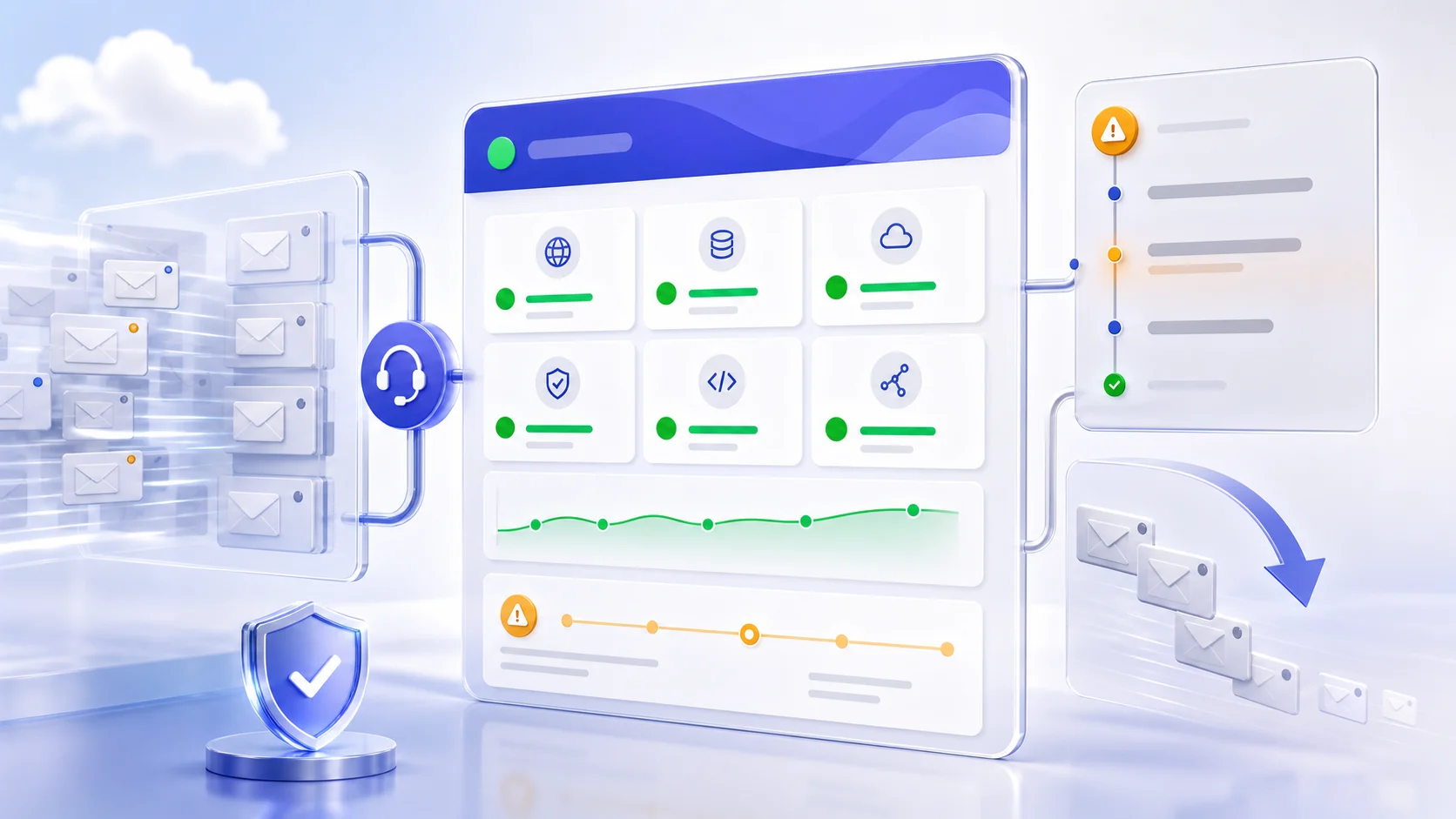
The Support Ticket Calculus
During a significant incident, support ticket volume can spike 3 to 5 times above baseline within the first hour. Most of those tickets are asking the same question: Is this you or is this me?
A well-maintained status page answers that question before it becomes a ticket. When users see a banner acknowledging a degraded API with an estimated resolution window, they close the tab instead of opening a support form. The 40% reduction in tickets isn't magic. It's just giving users the information they were going to demand anyway.
There's a secondary effect that's harder to quantify but equally real: trust. Users who feel informed during an incident are significantly more forgiving than users who felt left in the dark. Post-incident surveys consistently show that communication quality matters more to retention than incident duration.
What Good Incident Communication Actually Looks Like
The First Update
The first status page update should go out within 15 minutes of incident detection, ideally faster. It doesn't need to contain root cause information you don't have yet. It needs to confirm that you're aware of the issue, name which components are affected, state that you're actively investigating, and give a timestamp for the next update.
"We are investigating degraded performance affecting API endpoints. Dashboard and webhook delivery are unaffected. Next update by 14:30 UTC." That's a first update worth publishing.
Mid-Incident Updates
Every update should move the narrative forward. If you're still investigating, say what you've ruled out. If you've identified a cause, state it plainly, even if the cause is embarrassing. A DNS misconfiguration, a botched deployment, a provider outage: users respect honesty significantly more than they respect vague corporate language.
This is where teams using PulseGuard can automate the mechanical parts, pushing status updates through integrated channels, timestamping incidents, and maintaining an audit trail, so engineers can focus on actually resolving the incident rather than managing communications in parallel.
The Post-Incident Summary
Publish a post-mortem summary on your status page within 48 to 72 hours. Include a timeline of the incident, the root cause (specific, not sanitized), and what you're doing to prevent recurrence.
This is the update that converts frustrated customers into loyal ones. It demonstrates that you ran a real retrospective, not a blame-deflection exercise.
Monitoring Has to Come First
A status page is only as good as the signal feeding it. If you're discovering outages because customers tweet at you, the status page is already losing the race.
This is where proactive monitoring architecture matters. DNS failures are a canonical example: the overwhelming majority of DNS-related incidents are discovered after users start complaining, despite being almost entirely preventable with continuous monitoring and redundancy. A secondary DNS provider and a monitor checking resolution every 60 seconds costs almost nothing compared to an hour of customer-facing downtime.
The same principle applies to synthetic monitoring. Run scripted checks against your critical user journeys, not just pings against your server. If your checkout flow breaks at the payment step, a TCP health check won't catch it. A synthetic transaction that actually completes a test purchase will.
The goal is to compress the detection-to-acknowledgment window as tightly as possible. Anything over 5 minutes is leaving support tickets on the table.
Solving Alert Fatigue Before It Undermines Your Status Page
There's a trap worth naming: teams that invest in monitoring infrastructure often end up over-alerting. When every on-call engineer is numb to PagerDuty notifications, real incidents slip through unacknowledged, and your status page goes stale at the worst possible moment.
Alert fatigue is a signal problem, not a volume problem. The fix is deliberate: audit your existing alerts and ask whether each one is actionable in its current form. An alert without clear context, what is degraded, by how much, what the probable cause is, is just noise.
A well-configured PulseGuard setup focuses on routing the right signal to the right person with enough context to act immediately. Fewer, higher-quality alerts mean faster acknowledgment and faster status page updates, which is exactly the loop that reduces tickets.
Practical Takeaways
If you do nothing else this week:
-
Audit your status page right now. Open it as a customer would. Is it component-level granular? Does it show recent incident history? If it shows a permanent green banner, your customers don't believe it.
-
Set a 15-minute SLO on your first incident acknowledgment. Make it a formal target, not an aspiration.
-
Add synthetic monitoring to your three most critical user journeys. Don't just monitor uptime. Monitor outcomes.
-
Publish your last three post-incident summaries publicly. If you don't have them, write them retroactively. The transparency signal is worth the effort.
-
Review your alert routing. For every alert that fired last month, ask: did the person who received it have everything they needed to act? If not, fix the alert before adding new ones.
Your status page is customer-facing infrastructure. Treat it with the same rigor you'd apply to your API.