SSL Certificate Expiry: The Outage Nobody Sees Coming
A single overlooked SSL certificate expiration can trigger browser warnings, break encrypted connections, and tank your search rankings all at once. Most teams don't discover it until their support queue explodes.
That's not a hypothetical. Expired SSL certificates are a known cause of major service disruptions, security vulnerabilities, and regulatory fines, and they keep happening to teams that absolutely should know better. LinkedIn, Spotify, and even Microsoft have all had high-profile certificate expiry incidents. The certificate itself is a solved problem technically. Operationally, it's a recurring failure mode.
Here's why it keeps slipping through.

The Manual Monitoring Trap
At one or two domains, tracking SSL expiry is trivial. A calendar reminder, a cron job, a sticky note, any of it works. At ten domains, you're already pushing your luck. At fifty, manual monitoring has completely broken down.
Most engineering teams grow their domain and subdomain footprint faster than their monitoring practices. Wildcard certificates cover some of that surface area, but not all. Each new microservice endpoint, staging environment, third-party integration, or customer-facing subdomain is another certificate that needs tracking, and another thing that can expire quietly on a Tuesday night.
When a certificate does expire, the impact is immediate and broad: browsers display full-page security warnings that most users won't bypass, HTTPS connections fail outright, API clients throw errors, and SEO signals degrade. Revenue impact accumulates fast.
Alert Fatigue Makes It Worse
Here's the frustrating part: even teams with monitoring in place miss certificate expirations. The culprit is usually alert fatigue.
Alert fatigue is a systemic problem driven by poorly tuned monitors and low-value notifications. When on-call engineers are drowning in noise, flapping services, redundant pings, low-severity informational alerts, they develop a learned numbness to the queue. A certificate expiry warning that fires 30 days out, then 14 days out, then 7 days out, all to the same Slack channel as every other alert, becomes invisible.
The fix isn't more alerts. It's smarter ones. Reducing alert fatigue requires regular audits, intelligent automation, and organizational prioritization of signal quality over alert volume. Certificate monitoring belongs in its own category: high-priority, actionable, time-bounded. It should escalate with urgency as expiry approaches, not send the same notification on repeat.

The Single-Region Blind Spot
There's a subtler failure mode that compounds certificate monitoring gaps: checking from a single location.
Your monitoring dashboard might show green while users in Frankfurt, Singapore, or São Paulo hit a stale cached certificate response from a CDN edge node that hasn't been updated. Anycast routing, CDN propagation delays, and ISP-level caching mean a successfully renewed certificate isn't always immediately visible everywhere. Single-region monitoring creates a real blind spot. Your checks pass while actual users see errors.
This is why certificate verification needs to run from multiple geographic vantage points, not just one data center you happen to have a probe in.

What Good SSL Monitoring Actually Looks Like
Effective certificate monitoring isn't complicated, but it has to hit a few specific requirements.
Coverage
- Every public-facing domain and subdomain, not just apex domains
- Third-party endpoints you depend on, such as payment gateways, auth providers, and CDN origins
- Internal services if they're TLS-terminated
Alert design
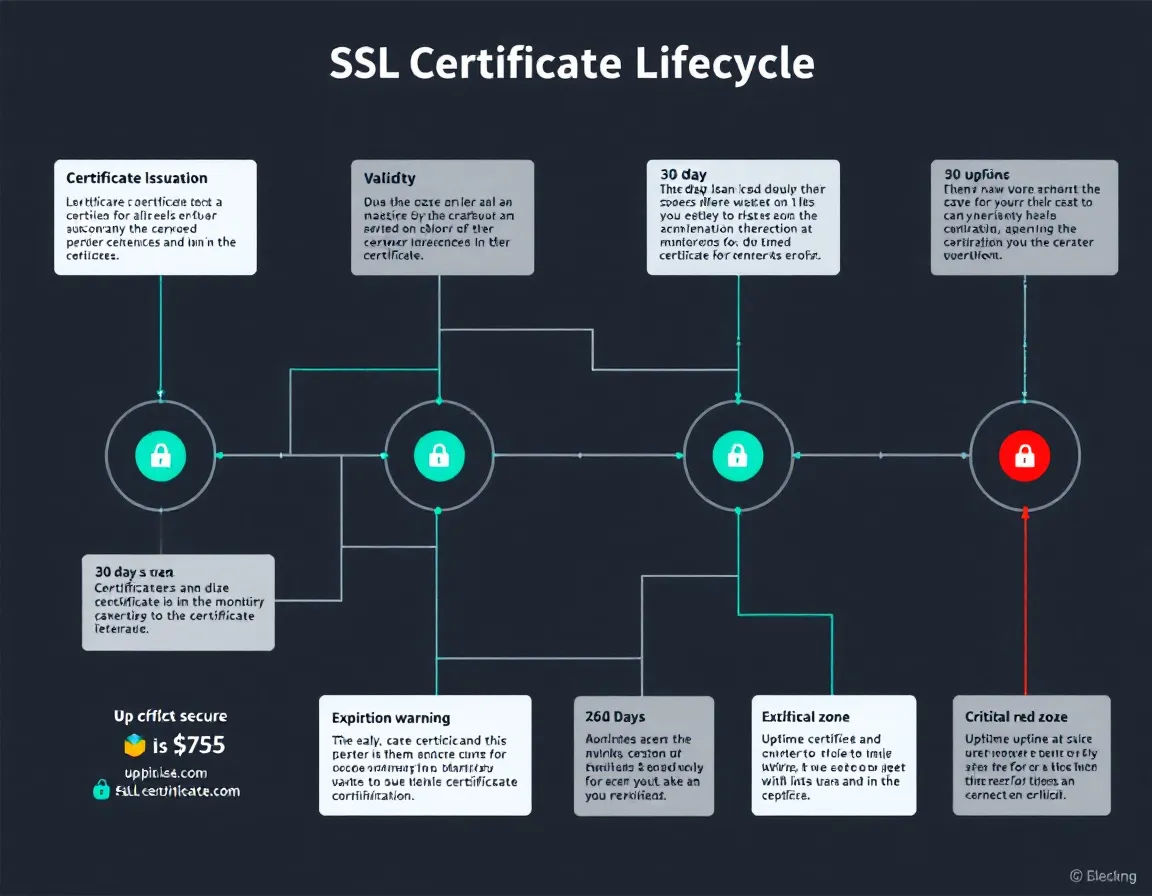
- Tiered warnings at 30 days, 14 days, 7 days, and 1 day
- Escalating urgency, not repeated identical notifications
- Separate channels or severity levels from routine uptime noise
Verification
- Multi-region certificate checks to catch CDN and edge propagation issues
- Validation of the full chain, not just the leaf certificate
- Detection of mismatched hostnames and weak cipher suites
Tools like PulseGuard are built around exactly this kind of operational reality: monitoring for freelancers, agencies, and small teams, with 30-second uptime checks, SSL/DNS/security monitoring, status pages, and MCP access for ChatGPT and Claude workflows. The certificate monitoring sits alongside uptime and DNS checks so you're not stitching together three separate tools to cover one domain.
Compliance Adds Another Layer of Urgency
If you operate under PCI-DSS, HIPAA, SOC 2, or similar frameworks, an expired certificate isn't just a user experience problem. It's a compliance event. Auditors treat certificate hygiene as a baseline control. An expiration that caused a period of broken data transmission can trigger findings, remediation requirements, or fines depending on your regulatory context.
Automated certificate monitoring gives you the audit trail: proof that certificates were tracked, alerts were sent, and renewals were completed within acceptable windows. That documentation has direct value in compliance reviews.
Practical Takeaways
If you're auditing your current setup, start here:
- Inventory every certificate you own, including subdomains and third-party dependencies. Use
nmap,sslyze, or a monitoring tool to scan your entire domain footprint. - Set tiered alerts at 30/14/7/1 days with increasing severity. A 30-day warning should not carry the same urgency as a 24-hour warning.
- Run checks from at least three geographic regions to catch CDN propagation failures and ISP-level routing anomalies.
- Separate certificate alerts from general uptime noise so they don't get buried in a high-volume alert channel.
- Automate renewal where possible (Let's Encrypt with certbot or acme.sh covers most cases), but keep monitoring active. Automation fails silently too.
Certificate expiry is one of the few outage causes that's entirely predictable and entirely preventable. PulseGuard handles the monitoring side so it doesn't slip through. The renewal is still your responsibility, but you won't be surprised by it again.
Sources
- Rootly Guide | On-call Software - Alert Fatigue: How to Reduce Noise and Protect On-Call Engineers
- Rootly | Best Tools for On‑Call Engineers to Reduce Alert Fatigue
- Preventing Alert Fatigue in Network Monitoring and Observability | LogicMonitor
- Alert Fatigue and How to Prevent it | PagerDuty
- 10 Strategies for Reducing Alert Fatigue | Xurrent
- Expired SSL Certificate: Risks, How to Check, & Renew | CSC
- What happens when an SSL certificate expires? | Sectigo® Official
- SSL Certificate Monitoring Tool | Free Expiration Alerts